CLIENT TICKETS · SERVICE PROVIDERS · CUSTOMER ISSUES
Client Ticket and Issue Management for Service Providers
When customers report problems to your business, they want to know someone has it and when it will be fixed. APPEO NEXUS gives each client their own login and projects, so they can report issues, add requirements, follow progress and reopen anything that comes back, without seeing other clients' work.
15-day free trial for businesses. No credit card required. Register with a business email on your company's own domain; each domain can be used for one trial, and public addresses such as Gmail, Yahoo, Rediff, AOL, Outlook and Hotmail are not accepted. Trial details
THE PROBLEM
Customers Report Issues in Every Way Except a Consistent One
Businesses that support customers on an ongoing basis, such as IT service providers, maintenance contractors and software vendors, receive issues by phone, email and WhatsApp. Each client has a favourite contact person, and that person becomes the bottleneck.
The customer cannot see what is happening, so they call again. Your team cannot see all clients' issues together, so priorities are set by whoever called last.
WHY IT MATTERS
What It Costs When Client Issues Live in Inboxes
- Clients chase the same contact person for updates
- Issues reported to someone on leave wait until they return
- Urgent problems from quiet clients are overlooked
- Fixes are not confirmed with the client
- Problems that come back are logged as new, losing their history
- You cannot show a client what was done for them last month
HOW APPEO NEXUS HELPS
Client Reports → You Assign → You Fix → You Verify → Client Can Reopen
This is the client workflow as it exists in the app today.
- Client reportsThe client logs in, opens their project and reports a bug or adds a requirement, with attachments.
- You assignAn admin assigns the issue to an employee, with a priority; high-priority requirements get a deadline.
- You fix and verifyThe employee works on it and completes it; an admin verifies the fix and the client is notified.
- Client can reopenIf the problem returns, the client reopens the bug, and it goes back into your queue with its history.
FEATURE WALKTHROUGH
What Clients and Your Team Each Get
The client role is limited to its own projects; your admins and employees see the full picture.
Client login per customer
- What it does
- Gives each client a login that only shows the projects linked to them.
- Problem it addresses
- Customers unable to see what is happening with their issues.
- How you use it
- An admin adds the client in client management and links projects to them.
- Why it matters
- Clients follow progress themselves instead of calling.
Client bug reports and requirements
- What it does
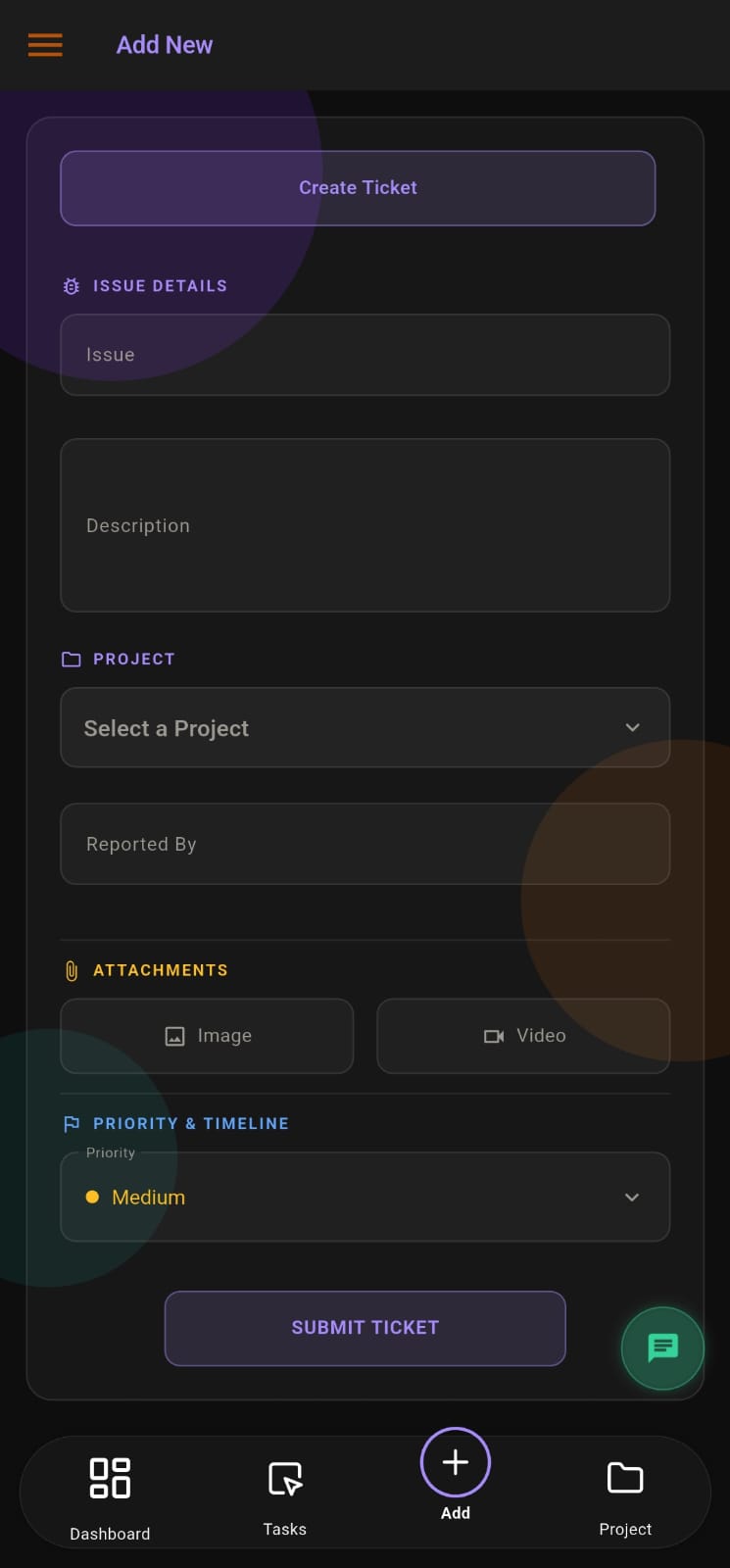
- Lets clients report bugs and add requirements, and edit or export their own items.
- Problem it addresses
- Issues described over the phone and lost.
- How you use it
- The client fills in the form inside their project, attaching images or video.
- Why it matters
- Every issue arrives in a consistent, complete format.
Verified-fix notification
- What it does
- When an admin verifies a fix, the client is notified on their device.
- Problem it addresses
- Clients never told that their issue was resolved.
- How you use it
- Verification sends a push notification to the client linked to the project.
- Why it matters
- Customers hear about fixes without chasing.
Client reopen
- What it does
- Lets the client reopen a bug that has come back.
- Problem it addresses
- Recurring faults logged again from scratch.
- How you use it
- The client reopens the bug from their list; your team sees it as reopened.
- Why it matters
- History stays attached to the problem.
Chat with the project team
- What it does
- On the mobile app, clients can chat with admins and with employees assigned to their projects.
- Problem it addresses
- Side conversations on personal phones.
- How you use it
- The client opens chat and messages the people working on their project.
- Why it matters
- Conversations stay with the company, not one person's phone.
Overtime visibility
- What it does
- Shows tasks that have exceeded their estimated time, including a client view of their own projects.
- Problem it addresses
- Late work that the client discovers first.
- How you use it
- Admins review the overtime list; clients can see overtime tasks on their projects.
- Why it matters
- Delays are visible and can be discussed early.
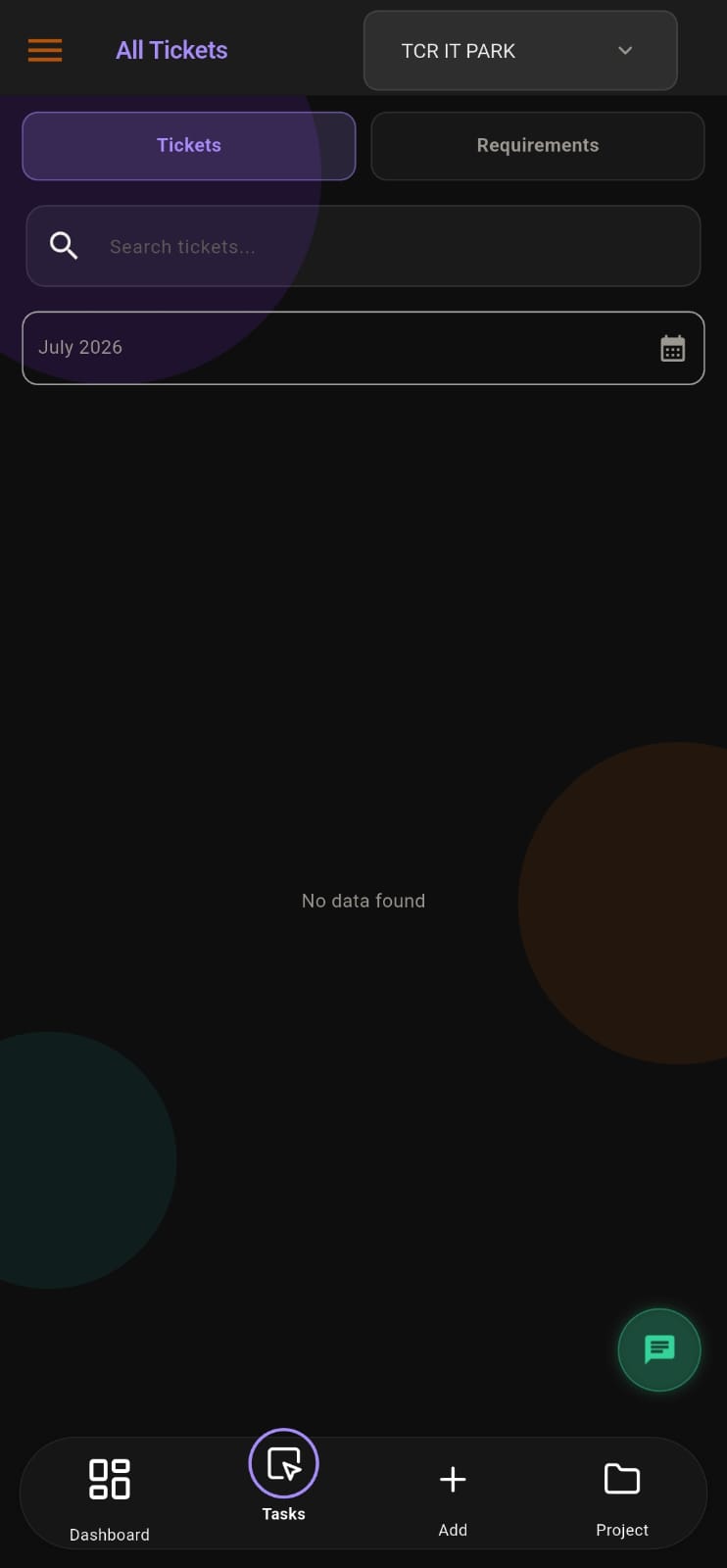
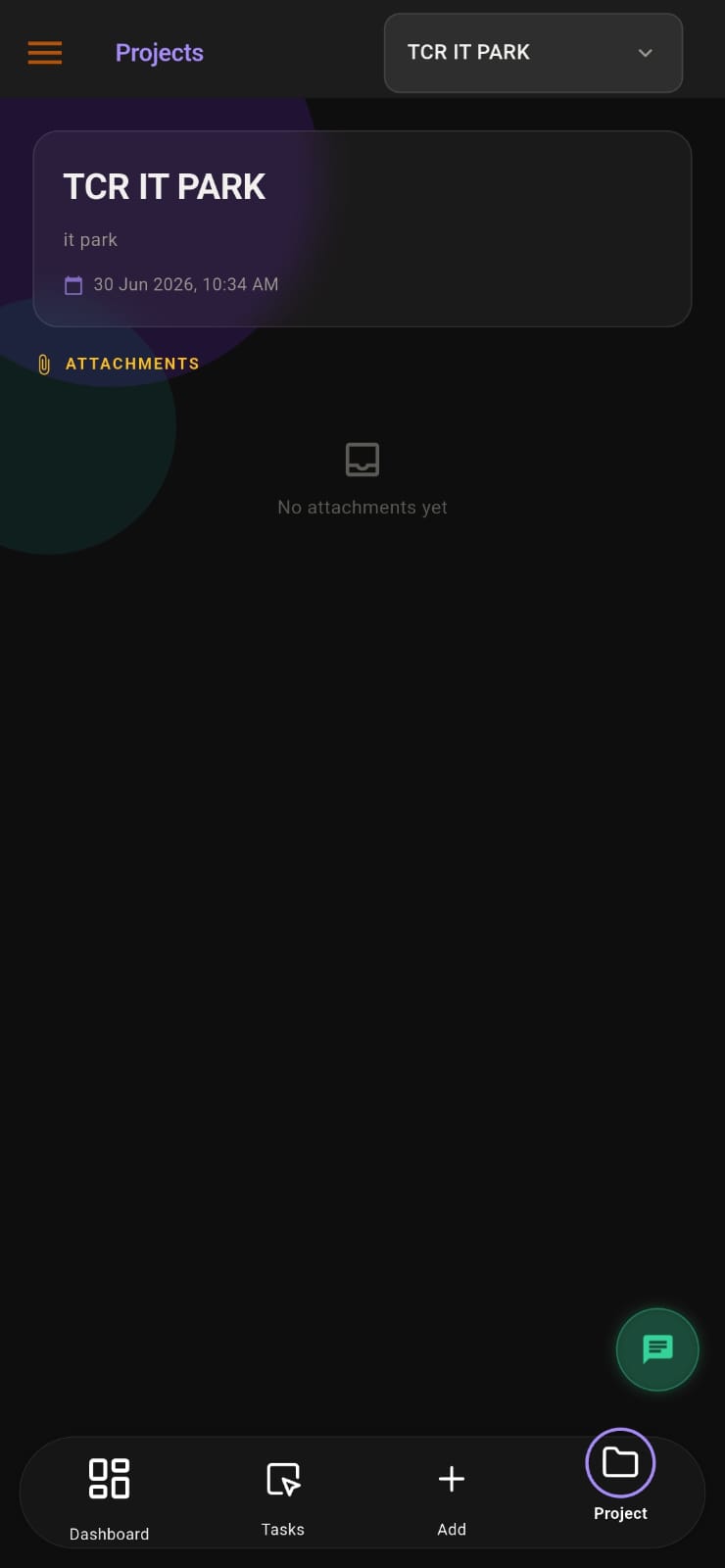
Screens from the APPEO NEXUS app.
ILLUSTRATIVE BUSINESS SCENARIO
An IT Services Company Supports Twelve Business Clients
An IT services company provides ongoing support to twelve small businesses. Each client used to phone the same engineer, who kept a personal list. When that engineer was on leave, issues waited.
With APPEO NEXUS, each client has a login and a project. Clients report issues with screenshots; the service manager assigns them across the team and sets priorities. Engineers escalate jobs needing a site visit. When a fix is verified, the client is notified, and if the problem returns they reopen the same ticket.
This is an illustrative example, not a customer story. No real company, person or result is described.
COMPARISON
Client Portal Workflow Compared With Inbox Support
What changes for your customers and your team.
| With APPEO NEXUS | Chats, email and spreadsheets |
|---|
| How clients report | In their own project, with attachments | Phone, email or WhatsApp to one person |
|---|
| What clients can see | Their own projects, issues and progress | Nothing unless they ask |
|---|
| Your team's view | All clients' issues, by project and status | Scattered across inboxes |
|---|
| Fix confirmation | Admin verification plus client notification | Often skipped |
|---|
| Recurring faults | Client reopens the same ticket | Logged as a new complaint |
|---|
CHECK BEFORE YOU START
Points to Confirm During the Trial
- How many client logins you need and how they count towards licences
- How you will link projects to each client
- Whether your project limit fits your number of clients (Starter 3, Growth 5)
- Which of your staff should be admins and which employees
APPEO NEXUS does not include SLA timers, a public help-centre website or customer satisfaction surveys. If you need those, a dedicated service desk such as Jira Service Management may suit you better; see the Jira alternative page.
PLANS
Pricing and Free Trial
Starter: ₹500 per user per month billed annually (₹550 billed monthly), minimum 25 licences, up to 3 projects. Growth: ₹900 billed annually (₹999 billed monthly), minimum 15 licences, up to 5 projects, and adds team chat, meetings, an approval workflow and advanced administrative controls. Enterprise: custom pricing. Every plan is available with a 15-day free trial, and no credit card is required to start. See full pricing.
FAQ
Client Ticket Management Questions
Can each client see only their own issues?
Yes. A client user sees only the projects linked to them, and the bugs, requirements and attachments within those projects.
Can clients add new requirements as well as bugs?
Yes. Clients can report bugs and add requirements in their projects, and edit or export their own items.
Who confirms that a client issue is fixed?
An admin on your team verifies completed work, and the client is notified. If the problem returns, the client can reopen the bug.
Can clients message our team?
Yes, on the mobile app. A client can chat with admins and with the employees assigned to their projects.
Does APPEO NEXUS track SLAs or customer satisfaction?
No. It records estimated versus actual time on tasks and lists overtime tasks, but it has no SLA timers or satisfaction surveys.
REQUEST A DEMO
See It With Your Own Workflow
Tell us how many clients you support and how they report issues today.
- A walkthrough based on how your team works today
- Plans, licence minimums and project limits explained
- Answers to setup and onboarding questions
Prefer to try it yourself? Start the 15-day free trial with your business email. No credit card required.
START WITH YOUR OWN TEAM
Give Every Client a Clear Place to Report Issues.
Set up one client project during the trial, invite the client, and handle their next issue end to end in APPEO NEXUS.
What happens next: choose a plan and licences, enter your company details, verify your business email, then sign in and set up your first project. No credit card is required for the trial, and each business domain can be used for one trial.