+91 95679 99007 support@appeonix.com WhatsApp Us

AGENCIES · CLIENT REQUESTS · REVISIONS

Client Requests and Revisions, Organised for Agencies

Marketing, creative and web agencies juggle requests from many clients at once. APPEO NEXUS gives each client a login limited to their own projects, where they submit requests with references and follow progress, while your team assigns, delivers and verifies the work.

15-day free trial for businesses. No credit card required. Register with a business email on your company's own domain; each domain can be used for one trial, and public addresses such as Gmail, Yahoo, Rediff, AOL, Outlook and Hotmail are not accepted. Trial details

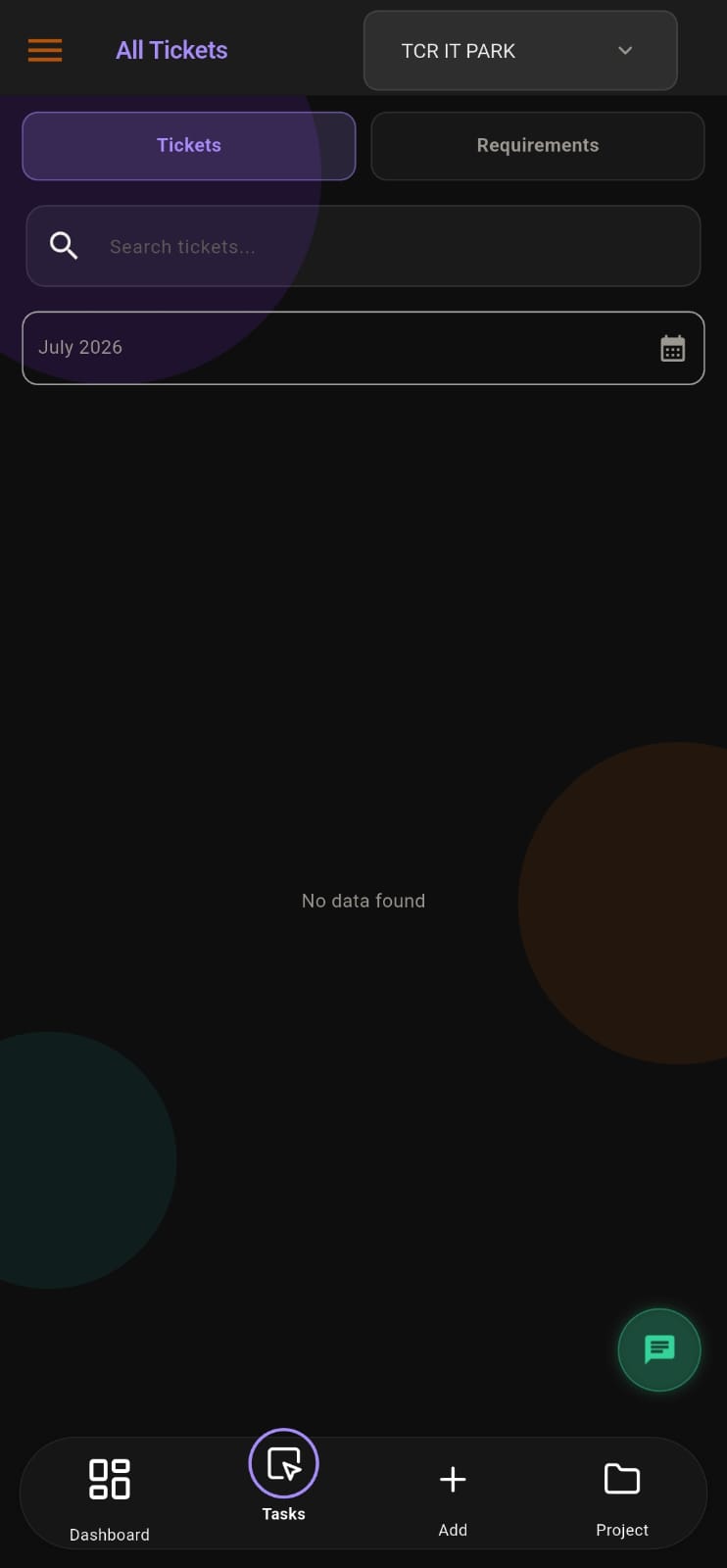
APPEO NEXUS list of tickets and requirements with search, month filter and project selector
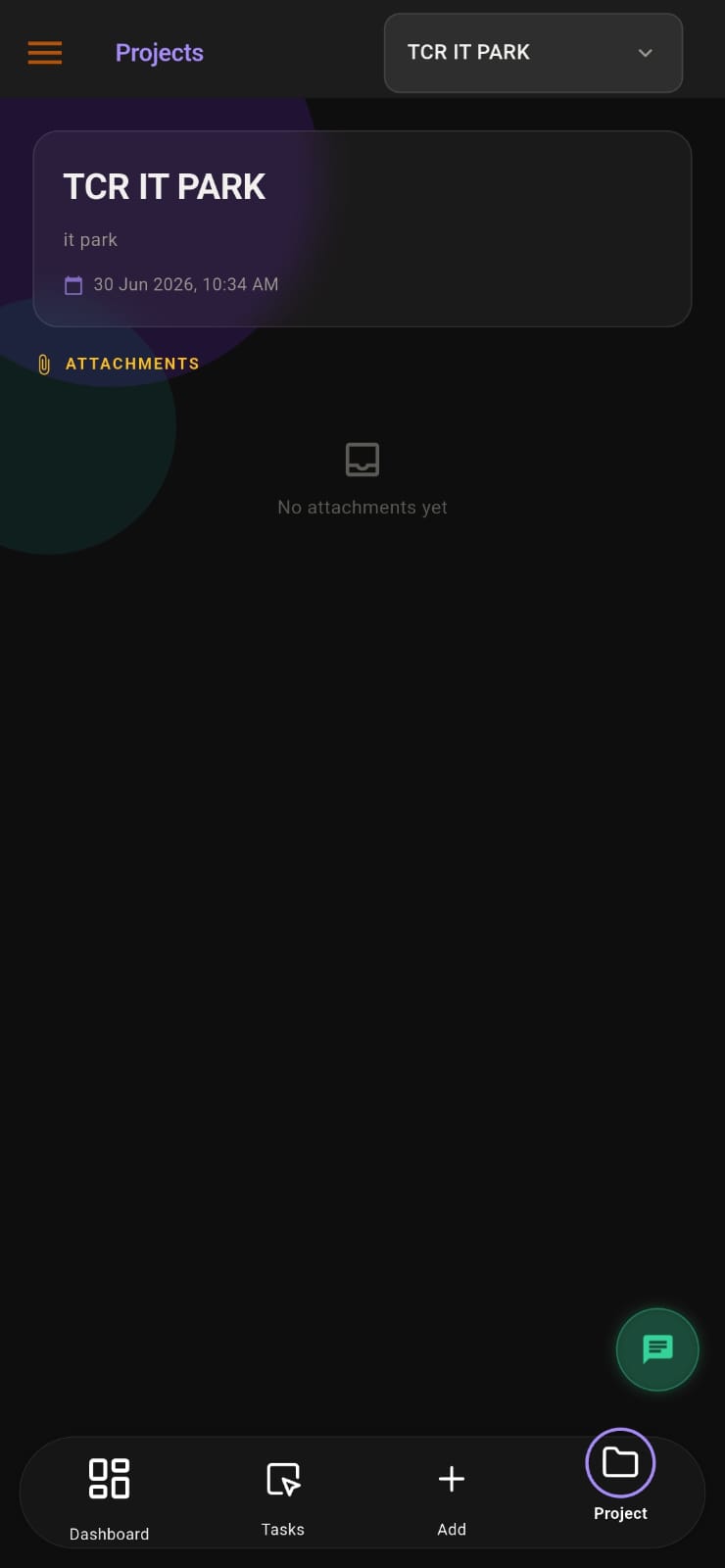
APPEO NEXUS project screen with project details and an attachments area

THE PROBLEM

Eight Clients, Eight Ways of Asking for Changes

Agency change requests arrive as voice notes, email replies with attachments and comments on shared files. Account managers copy them into a spreadsheet at the end of the day and brief designers the next morning.

Designers work from older briefs, clients say changes were never made, and nobody can quickly show what was asked for, when it was delivered and whether it was accepted.

WHY IT MATTERS

When Client Requests Live in Inboxes

HOW APPEO NEXUS HELPS

Request → Assign → Deliver → Verify

The agency workflow, using the client and admin roles that exist in the app.

  1. RequestThe client adds a requirement in their project and attaches reference images or video.
  2. AssignThe account or project manager assigns it to a team member with a priority; urgent requests get a deadline.
  3. DeliverThe designer, writer or developer works on it, adds remarks and completes it.
  4. VerifyThe manager verifies the work and the client is notified. Client-reported problems can be reopened.

FEATURE WALKTHROUGH

Features Agencies Use Day to Day

Grouped by what your clients see and what your team sees.

Client logins per project

What it does
Each client sees only the projects linked to them.
Problem it addresses
Clients copying every request to every contact.
How you use it
Add the client in client management and link their projects.
Why it matters
Requests start in one place, and clients cannot see each other's work.

Requirements with references

What it does
Clients add requirements with image or video attachments.
Problem it addresses
References lost in long email threads.
How you use it
The client submits the request inside their project.
Why it matters
Your team sees exactly what the client means.

Project attachments by role

What it does
Shares project files and controls which roles can see them.
Problem it addresses
Internal files accidentally visible to clients.
How you use it
Upload brand assets or briefs and choose the roles that can view them.
Why it matters
Clients see what they should, and nothing more.

Verification and reopening

What it does
Admins verify completed work; clients can reopen bugs that come back.
Problem it addresses
No record of whether a deliverable was accepted.
How you use it
Verify the work with a remark; the client is notified.
Why it matters
Each round of changes is on the record.

Meetings and chat (Growth)

What it does
Schedule meetings with participants; clients can view their meetings and chat with their project team on mobile.
Problem it addresses
Review calls arranged by scattered messages.
How you use it
Create a meeting, add participants, and keep follow-up chat in the app.
Why it matters
Client communication stays with the agency.

Leave and attendance

What it does
Employees apply for leave, admins approve it, and attendance is recorded on mobile.
Problem it addresses
Assigning urgent work to someone who is away.
How you use it
Check approved leave before assigning deadlines.
Why it matters
Plans reflect who is actually available.
APPEO NEXUS list of tickets and requirements with search, month filter and project selectorAPPEO NEXUS project screen with project details and an attachments area

Screens from the APPEO NEXUS app.

ILLUSTRATIVE BUSINESS SCENARIO

A Creative Agency Handles Revisions for Eight Clients

A creative agency runs social media and design for eight clients. Requests used to arrive by voice note and email, and the account manager relayed them each morning.

With APPEO NEXUS, each client has a login to their own project and submits requests with reference images. The account manager assigns work and sets priorities, designers complete it, and the account manager verifies each deliverable before the client is notified. Leave is approved in the same app, so deadlines are set with the team's availability in view.

This is an illustrative example, not a customer story. No real company, person or result is described.

COMPARISON

Guest Access in General Tools Compared With a Client Role

Many agencies invite clients into Trello, Asana or ClickUp as guests. Here is how that differs.

Based on the Trello, Asana and ClickUp pricing pages (checked 17 October 2026). See the full comparison.
APPEO NEXUSGeneral tools with guests
Client accessDedicated client role limited to linked projectsGuests, with permissions that vary by tool and plan
Request intakeClients add requirements and report bugs in-appForms or comments, depending on tool and plan
AcceptanceAdmin verification, client notified; reopen for bugsSet up with your own statuses or approvals
BreadthFocused: tasks, requests, chat, meetings, leave, attendanceBroader: docs, views, automation, integrations
Time and billingTask time logs; no invoicingTime tracking available in some tools; no invoicing in most

BEFORE YOU COMMIT

What to Confirm During Your Trial

PLANS

Pricing and Free Trial

Starter: ₹500 per user per month billed annually (₹550 billed monthly), minimum 25 licences, up to 3 projects. Growth: ₹900 billed annually (₹999 billed monthly), minimum 15 licences, up to 5 projects, and adds team chat, meetings, an approval workflow and advanced administrative controls. Enterprise: custom pricing. Every plan is available with a 15-day free trial, and no credit card is required to start. See full pricing.

FAQ

Questions From Agencies

Can one client see another client's projects?

No. A client user only sees the projects linked to them and the items inside those projects.

Can we hide internal files from clients?

Yes. Project attachments can be limited to selected roles, so internal files need not be visible to clients.

Does APPEO NEXUS track time or send invoices?

It records time on tasks (start, pause, resume, and estimated versus actual time) but it does not create timesheets for billing or send invoices.

Which plan suits an agency with many clients?

If you plan one project per client, note the limits: Starter allows 3 projects and Growth 5. Agencies with more clients should discuss Enterprise with us.

Can clients join review meetings?

Meetings are available from the Growth plan. Clients can view the meetings they are invited to.

REQUEST A DEMO

See It With Your Own Workflow

Tell us how many clients you manage and how their requests reach your team today.

  • A walkthrough based on how your team works today
  • Plans, licence minimums and project limits explained
  • Answers to setup and onboarding questions

Prefer to try it yourself? Start the 15-day free trial with your business email. No credit card required.

START WITH YOUR OWN TEAM

Put Every Client Request on the Record.

Set up one client project during your trial and run their next request through APPEO NEXUS.

What happens next: choose a plan and licences, enter your company details, verify your business email, then sign in and set up your first project. No credit card is required for the trial, and each business domain can be used for one trial.