CLICKUP ALTERNATIVE · FAIR COMPARISON
A ClickUp Alternative for Teams That Want Fewer Settings and a Clear Workflow
ClickUp describes itself as "the everything app for work", and its feature list is long: docs, whiteboards, chat, goals, sprints, automations and AI. Some teams want the opposite: one clear way to assign, track and verify work. Here is an honest comparison.
15-day free trial for businesses. No credit card required. Register with a business email on your company's own domain; each domain can be used for one trial, and public addresses such as Gmail, Yahoo, Rediff, AOL, Outlook and Hotmail are not accepted. Trial details
THE PROBLEM
Every Team Has Configured the Workspace Differently
A growing business adopts an all-in-one workspace. Each department builds its own spaces, statuses and views. A year later there are dozens of statuses, several ways of marking work as done, and nobody is sure where requests should go.
Flexibility is a strength, but without someone to govern it, each team drifts into its own system, and managers lose a consistent view.
WHY IT MATTERS
When Flexibility Becomes Friction
- Different teams use different statuses for the same stage
- New staff need training on each team's setup
- Requests land in several places
- Admins spend time cleaning up spaces and fields
- Field staff find the interface heavy on a phone
- Attendance and leave still live elsewhere
If your team enjoys configuring its workspace and uses docs, whiteboards and automations daily, ClickUp may be the better fit.
HOW APPEO NEXUS HELPS
A Single Workflow Instead of Many
APPEO NEXUS deliberately offers fewer choices.
- CreateTasks, requirements and bugs, by admins, employees or clients.
- AssignOne assignee, a priority and, for requirements, an estimate.
- WorkStart, pause, resume, escalate and complete, with remarks.
- VerifyAdmin verification; clients notified; bugs reopenable.
FEATURE WALKTHROUGH
What APPEO NEXUS Offers Instead of Breadth
Fewer features, chosen for day-to-day operational work.
One consistent status model
- What it does
- Every team uses the same built-in statuses.
- Problem it addresses
- Status sprawl across teams.
- How you use it
- Nothing to configure: the workflow is the same for everyone.
- Why it matters
- Managers compare teams on the same terms.
Mobile-first employee actions
- What it does
- Employees start tasks, punch in, apply for leave and chat from the Android app.
- Problem it addresses
- Field staff who rarely open a desktop tool.
- How you use it
- Install the app; tasks and notifications appear on the phone.
- Why it matters
- Updates come from where the work happens.
Attendance and leave included
- What it does
- Mobile attendance with photo and location, leave approvals and holidays.
- Problem it addresses
- A separate HR spreadsheet.
- How you use it
- Admins approve leave and export attendance from the same system.
- Why it matters
- Availability and workload are seen together.
Client role
- What it does
- Clients log in to their own projects to report and reopen issues.
- Problem it addresses
- Client requests arriving by email.
- How you use it
- Link projects to a client and share their login.
- Why it matters
- External requests follow the same workflow.
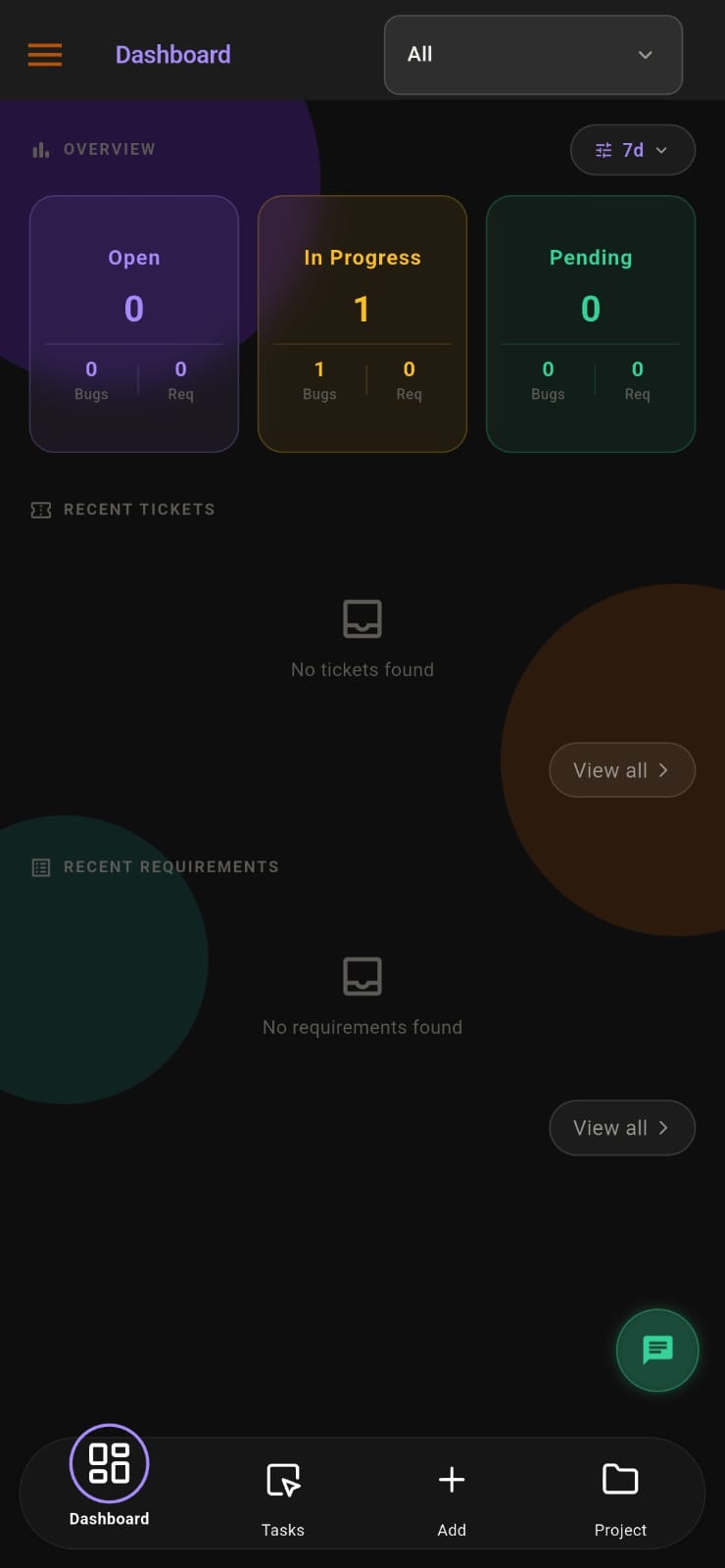

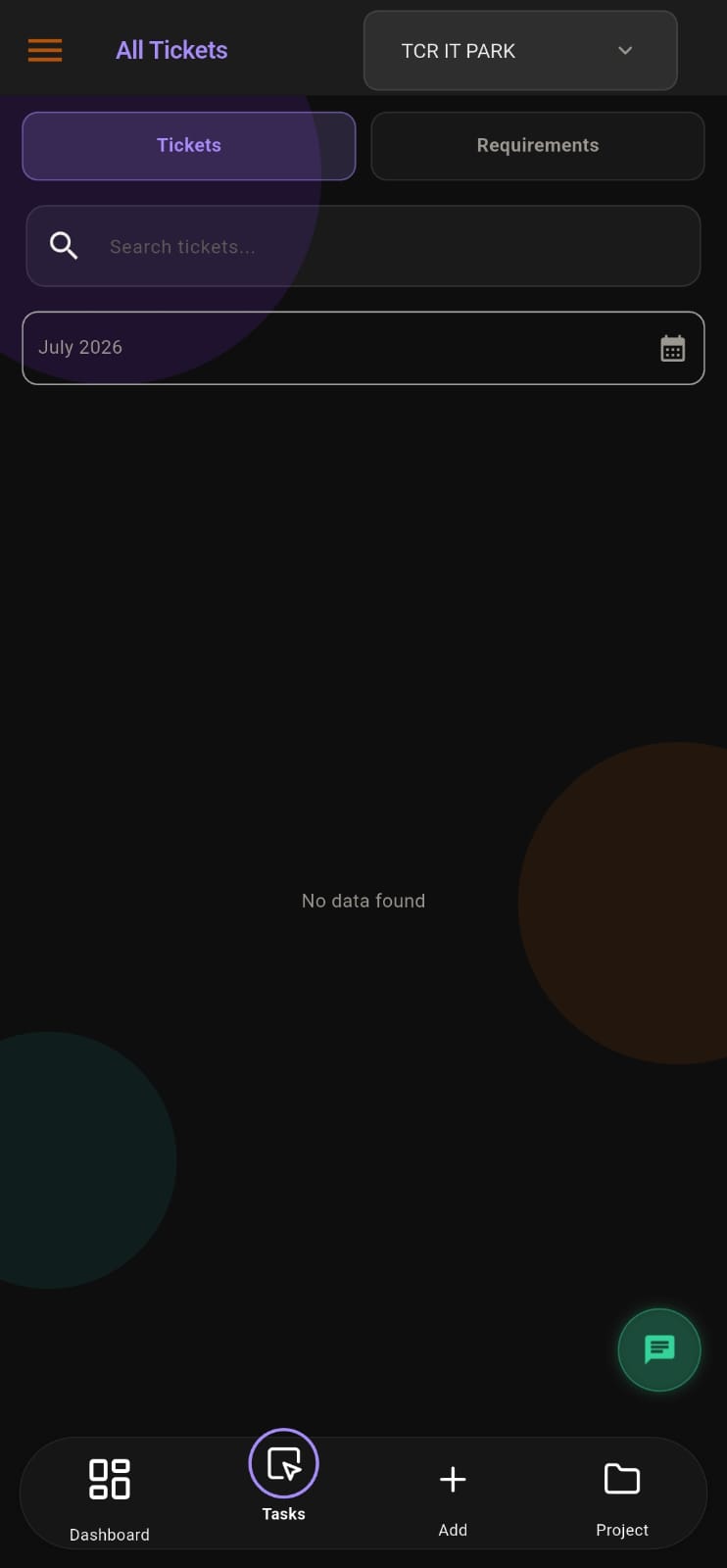
Screens from the APPEO NEXUS app.
ILLUSTRATIVE BUSINESS SCENARIO
An Operations Team Chooses Simplicity Over Options
A 40-person service company tried an all-in-one workspace. Its office team liked the docs and whiteboards, but its technicians in the field found it hard to use on their phones and kept sending updates by WhatsApp.
The company trials APPEO NEXUS with the field team: tasks are assigned to technicians, who start and complete them on Android, punch in on site and escalate jobs that need parts. The office team keeps using its existing workspace for documents. Each team gets the tool that suits its work.
This is an illustrative example, not a customer story. No real company, person or result is described.
COMPARISON
APPEO NEXUS vs ClickUp at a Glance
ClickUp details come from ClickUp's own pricing and features pages.
ClickUp pricing checked 17 October 2026; features checked 18 October 2026.
| Criteria | APPEO NEXUS | ClickUp |
|---|
| Primary focus | Business tasks, requests and tickets, with a client role | All-in-one workspace: tasks, docs, chat, goals and more |
|---|
| Free option | No free plan; 15-day free trial, no credit card required | Free Forever plan |
|---|
| Paid pricing | ₹500 per user per month billed annually (₹550 monthly); minimum 25 licences on Starter | Per user; the pricing page showed two different plan line-ups when checked, so see ClickUp for current prices |
|---|
| Workflow | Fixed, built-in statuses; no custom workflow designer | Custom task statuses, types, views and automations |
|---|
| Docs and whiteboards | Not offered | Docs, wikis, whiteboards |
|---|
| Time tracking | Task start, pause and resume; estimated vs actual time | Time tracking, estimates and timesheets (by plan) |
|---|
| Recurring tasks | Not offered | Recurring tasks |
|---|
| Forms | Clients and staff use in-app forms for bugs and requirements | 1 form on Free; unlimited on paid plans |
|---|
| External users | Client role limited to the client's own projects | Guests; seats and permissions vary by plan |
|---|
| Attendance and leave | Attendance (mobile punch-in with photo and location) and leave approvals included | Not listed |
|---|
WHEN CLICKUP IS THE BETTER CHOICE
Choose ClickUp If…
- You want docs, wikis and whiteboards in the same tool
- You need custom statuses, views and automations
- You need recurring tasks or timesheets
- You want a free plan with unlimited members
- You want built-in AI features
- You rely on many integrations
SOURCES
Information Checked
Checked on the vendor's official pages: ClickUp pricing, ClickUp features. Pricing pages checked 17 October 2026; feature pages checked 18 October 2026. APPEO NEXUS details come from our pricing page and the product itself. Vendors change plans often, so confirm current details before buying. Product names are trademarks of their owners; this page is not endorsed by them.
PLANS
Pricing and Free Trial
Starter: ₹500 per user per month billed annually (₹550 billed monthly), minimum 25 licences, up to 3 projects. Growth: ₹900 billed annually (₹999 billed monthly), minimum 15 licences, up to 5 projects, and adds team chat, meetings, an approval workflow and advanced administrative controls. Enterprise: custom pricing. Every plan is available with a 15-day free trial, and no credit card is required to start. See full pricing.
FAQ
ClickUp Alternative Questions
Does APPEO NEXUS have docs or whiteboards like ClickUp?
No. APPEO NEXUS focuses on tasks, requests, tickets, communication, attendance and leave. Teams that need docs or whiteboards often keep a separate tool for them.
Is APPEO NEXUS simpler to set up than ClickUp?
It has fewer options to configure: the statuses and roles are built in. That makes setup quicker but gives you less flexibility.
Does ClickUp have a free plan?
Yes. ClickUp's pricing page (checked 17 October 2026) lists a Free Forever plan. APPEO NEXUS offers a 15-day free trial with no credit card required.
Can APPEO NEXUS replace ClickUp's time tracking?
Partly. APPEO NEXUS records time on tasks and compares it with estimates, but it does not produce billing timesheets.
Which works better for field staff?
APPEO NEXUS is built around a mobile app where staff update tasks, punch in with location and apply for leave. ClickUp also has mobile apps; trial both with your field team.
REQUEST A DEMO
See It With Your Own Workflow
Tell us how your team uses ClickUp today and what you want to simplify.
- A walkthrough based on how your team works today
- Plans, licence minimums and project limits explained
- Answers to setup and onboarding questions
Prefer to try it yourself? Start the 15-day free trial with your business email. No credit card required.
START WITH YOUR OWN TEAM
Try a Simpler Way to Run Day-to-Day Work.
Run one team on APPEO NEXUS for 15 days and compare the experience with your current workspace.
What happens next: choose a plan and licences, enter your company details, verify your business email, then sign in and set up your first project. No credit card is required for the trial, and each business domain can be used for one trial.