WORKFLOW MANAGEMENT · STATUSES · HANDOFFS
Workflow Management Software That Gives Every Piece of Work the Same Path
When each manager runs work differently, nobody can tell where anything stands. APPEO NEXUS gives tasks, requests and issues one consistent path, from assignment through progress, escalation and completion to verification, so handoffs are visible and nothing stalls silently.
15-day free trial for businesses. No credit card required. Register with a business email on your company's own domain; each domain can be used for one trial, and public addresses such as Gmail, Yahoo, Rediff, AOL, Outlook and Hotmail are not accepted. Trial details
THE PROBLEM
Work Moves Differently Depending on Who Is Handling It
In many businesses the process lives in people's heads. One supervisor assigns jobs on a call, another in a WhatsApp group, a third in a spreadsheet. When work is blocked, some employees say so immediately and others wait until they are asked.
The result is not one workflow but many informal ones. Handoffs between people happen without a record, and "done" means different things to different teams: finished, sent for checking, or approved.
WHY IT MATTERS
What Inconsistent Workflows Lead To
- Work stalls at handoffs because the next person never knew it was their turn
- Blocked tasks stay invisible until a deadline passes
- Managers cannot compare progress across teams because each team tracks it differently
- Completed work is never checked before it reaches the customer
- Reopened work starts from scratch because the history is lost
- New employees learn the process by trial and error
None of these problems needs automation to solve. They need a shared, visible sequence of steps that everyone follows.
HOW APPEO NEXUS HELPS
Assign → Start → Escalate if Blocked → Complete → Verify
APPEO NEXUS records each step as a status change, so the workflow is the same whoever is doing the work.
- AssignAn admin or manager assigns the work to an employee, with a priority and, for requirements, an estimated time or deadline.
- Start and pauseThe employee starts the task, pauses and resumes it as the day changes, and adds remarks along the way.
- EscalateIf something blocks the work, the employee escalates it with a reason and every admin receives a push notification.
- Complete and verifyThe employee completes the work; an admin verifies it. Bugs can be reopened if the problem returns.
FEATURE WALKTHROUGH
The Workflow Features Behind Each Status
These are the actual statuses and actions in the APPEO NEXUS app: assigned, in progress, on hold, escalated, completed, verified and reopened.
Task start, pause and resume
- What it does
- Records when an employee starts, pauses and resumes a task.
- Problem it addresses
- Nobody knows whether assigned work has actually begun.
- How you use it
- The employee taps start when they pick up the task and pause when they switch to something else.
- Why it matters
- Managers see real progress instead of an "assigned" label that never changes.
Escalation with a reason
- What it does
- Lets an employee mark a task as escalated and explain why.
- Problem it addresses
- Blocked work that stays silent until it is overdue.
- How you use it
- The employee escalates and types the reason; admins receive a push notification.
- Why it matters
- Problems surface while there is still time to act.
Estimated versus actual time
- What it does
- Compares the time a task actually took with its estimate and flags overtime tasks.
- Problem it addresses
- No way to see which work routinely takes longer than planned.
- How you use it
- Managers set an estimate; the time an employee spends while the task is running is recorded automatically.
- Why it matters
- You learn where your process needs more time or more people.
Verification and reopening
- What it does
- Admins verify completed bugs and requirements; reported bugs can be reopened.
- Problem it addresses
- Work marked done that was never checked.
- How you use it
- An admin reviews completed work and verifies it, adding a remark; if the problem comes back, the bug is reopened.
- Why it matters
- "Done" means the same thing across every team.
Task history and remarks
- What it does
- Keeps a history of assignments, status changes and remarks for each item.
- Problem it addresses
- Reassigned work that loses its context.
- How you use it
- Anyone with access opens the item and reads what happened, in order.
- Why it matters
- Handoffs keep their context, even when people change.
Daily logs
- What it does
- Employees record daily updates that admins can review.
- Problem it addresses
- Status meetings held only to find out what everyone did.
- How you use it
- Employees add a short daily log; managers read them in one list.
- Why it matters
- Fewer interruptions to ask for updates.
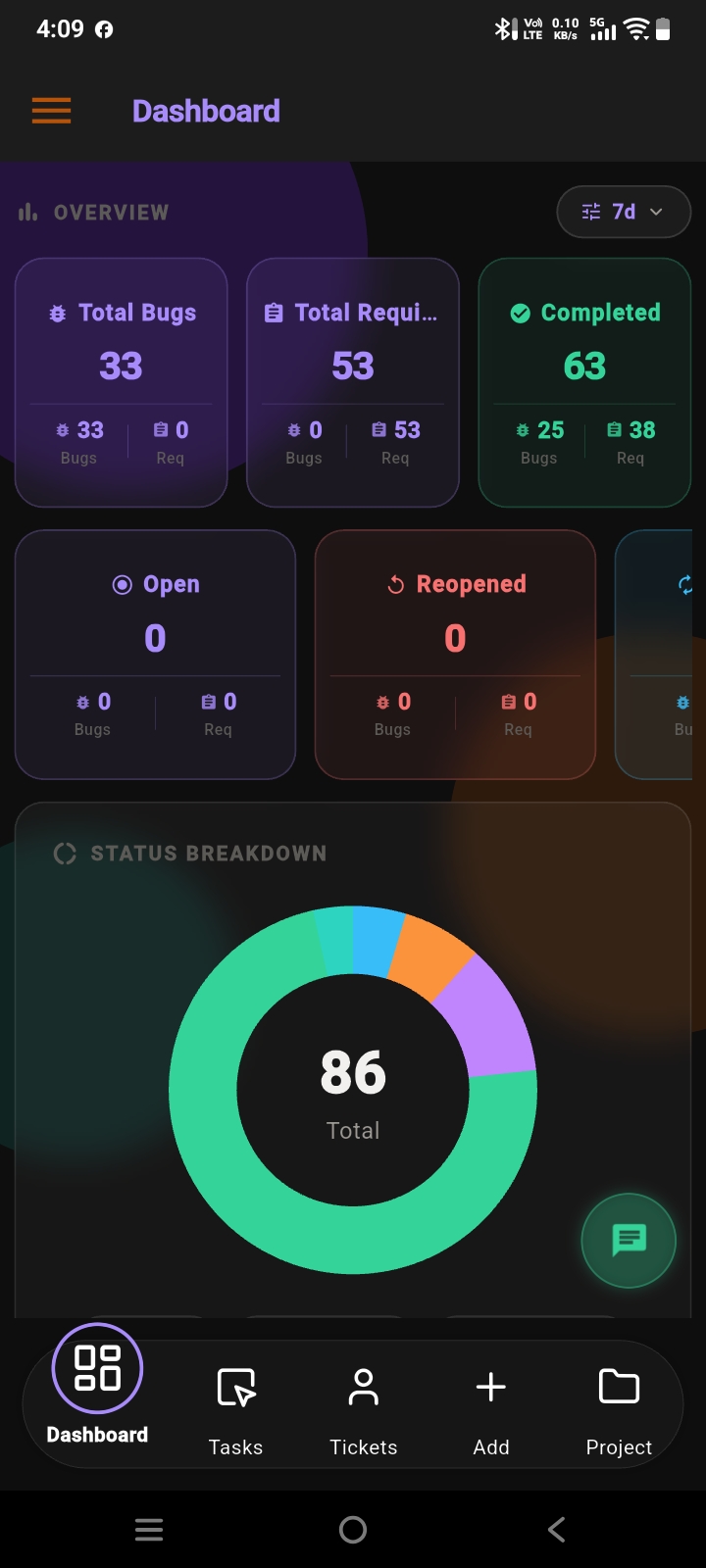
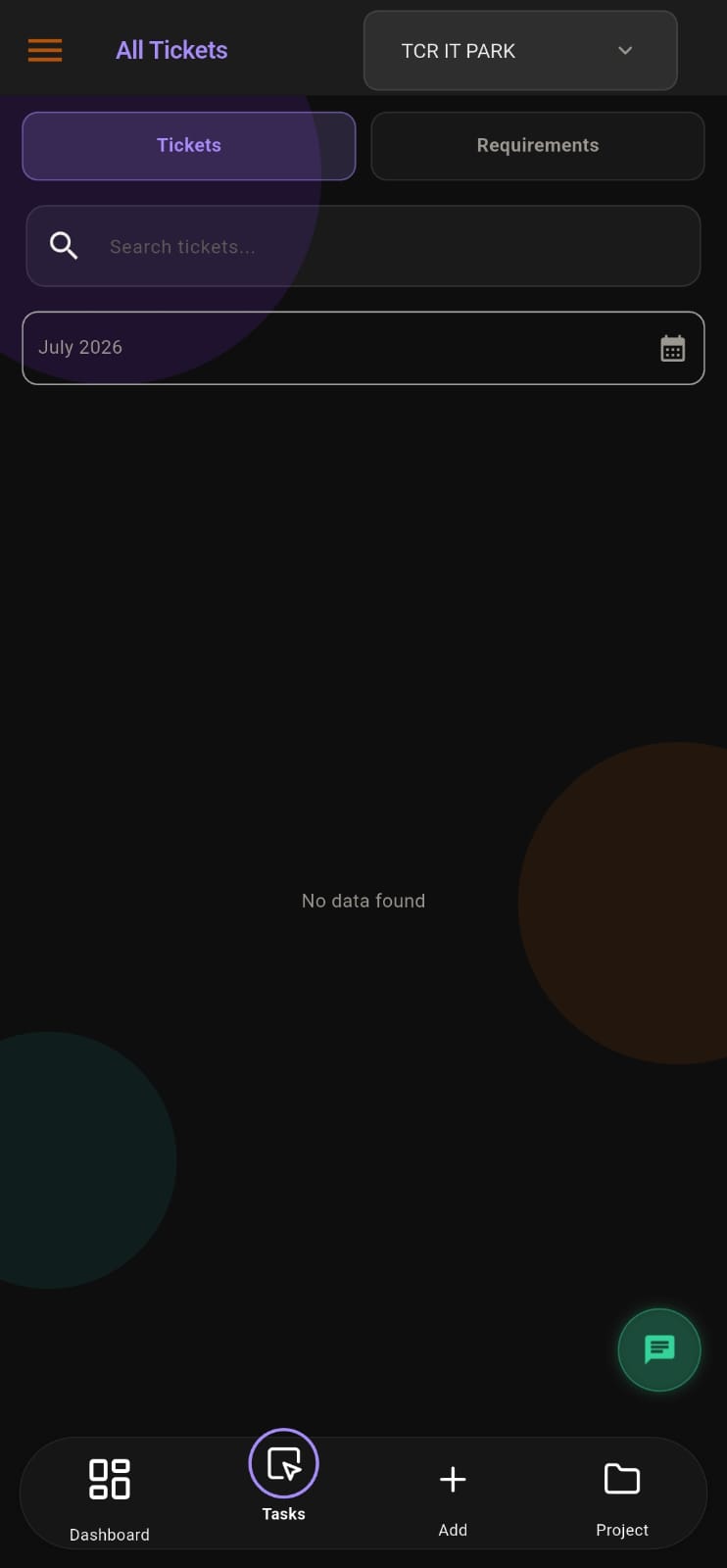
Screens from the APPEO NEXUS app.
ILLUSTRATIVE BUSINESS SCENARIO
A Facilities Team Standardises How Repair Jobs Move
A facilities team at a multi-site office receives repair requests from several departments. Previously each supervisor tracked jobs in their own notebook, and jobs waiting for spare parts were simply forgotten.
With APPEO NEXUS, each request is recorded once and assigned. Technicians start and pause jobs as they move between sites, escalate jobs that need parts or approval, and complete them. The facilities manager verifies finished jobs before closing them, and sees escalated and overtime jobs in one list.
This is an illustrative example, not a customer story. No real company, person or result is described.
COMPARISON
A Defined Workflow Compared With an Informal One
The difference is not more software but a shared sequence of steps that everyone can see.
| With APPEO NEXUS | Chats, email and spreadsheets |
|---|
| Who owns the work | One assignee per item, visible to the team | Whoever last replied to the message |
|---|
| Has it started? | Start, pause and resume are recorded | Unknown until someone asks |
|---|
| Blocked work | Escalated with a reason; admins notified | Discovered when the deadline passes |
|---|
| Time spent | Actual time compared with the estimate | Rarely measured |
|---|
| Completion | Completed, then verified by an admin | "Done" means different things |
|---|
| Rework | Bugs reopened with their history intact | A new message thread starts |
|---|
WHAT APPEO NEXUS DOES NOT DO
Honest Limits of the Workflow Features
- It does not include a visual workflow designer or custom status builder
- It does not run rule-based automations between apps
- It does not create recurring tasks automatically
- Approval workflow, team chat and meetings require the Growth plan or above
If you need a highly configurable workflow engine, tools such as Jira or ClickUp may suit you better; see the comparison page.
PLANS
Pricing and Free Trial
Starter: ₹500 per user per month billed annually (₹550 billed monthly), minimum 25 licences, up to 3 projects. Growth: ₹900 billed annually (₹999 billed monthly), minimum 15 licences, up to 5 projects, and adds team chat, meetings, an approval workflow and advanced administrative controls. Enterprise: custom pricing. Every plan is available with a 15-day free trial, and no credit card is required to start. See full pricing.
FAQ
Workflow Management Questions
Which statuses does an APPEO NEXUS workflow use?
Work moves through statuses such as assigned, in progress, on hold, escalated, completed and verified, and bugs can also be reopened.
Can employees flag blocked work?
Yes. An employee can escalate a task and give a reason. All admins in the company receive a push notification.
Can I design my own custom workflow steps?
No. APPEO NEXUS uses a fixed, built-in workflow rather than a custom workflow designer. That keeps it simple, but it is less configurable than tools such as Jira or ClickUp.
Does APPEO NEXUS automate recurring tasks?
No. Recurring task automation is not part of the product. Managers assign routine work as it is needed.
Can managers see how long work actually takes?
Yes. Tasks record start, pause and resume, so actual time can be compared with the estimate, and tasks that run over appear in an overtime list.
REQUEST A DEMO
See It With Your Own Workflow
Describe how work moves through your team today, including where it usually gets stuck, and we will show you the APPEO NEXUS equivalent.
- A walkthrough based on how your team works today
- Plans, licence minimums and project limits explained
- Answers to setup and onboarding questions
Prefer to try it yourself? Start the 15-day free trial with your business email. No credit card required.
START WITH YOUR OWN TEAM
Give Every Task the Same Clear Path.
Run one team's work through assign, start, escalate, complete and verify for 15 days, and see where your process really slows down.
What happens next: choose a plan and licences, enter your company details, verify your business email, then sign in and set up your first project. No credit card is required for the trial, and each business domain can be used for one trial.