LEAVE MANAGEMENT · HOLIDAYS · APPROVALS
A Leave Management App That Sits Beside Your Team's Work
Most small businesses track leave in chat messages, a notebook or a shared spreadsheet that is never quite up to date. With APPEO NEXUS, admins set leave types and the holiday list once. Employees apply from the Android app or the web, and admins approve or reject each request in the same tool where they assign and follow that person's tasks.
15-day free trial for businesses. No credit card required. Register with a business email on your company's own domain; each domain can be used for one trial, and public addresses such as Gmail, Yahoo, Rediff, AOL, Outlook and Hotmail are not accepted. Trial details
THE PROBLEM
Leave Requests Scattered Across Chats, Calls and Spreadsheets
In a typical small office, someone sends a WhatsApp message asking for Friday off, someone else mentions it at the coffee machine, and a third person emails the owner a week in advance. The office manager then copies whatever they remember into a spreadsheet. A yes given on the phone is never written down, and a no gets lost in a group chat.
Leave and work are also tracked in separate places. The person approving the time off often cannot see what the employee has open: a high-priority requirement due on Thursday, or a bug a client is waiting for. Approvals happen without the context needed to plan around them, and the gap only shows up once the work is late.
WHY IT MATTERS
What Untracked Leave Costs a Small Team
- Two people from the same small team are away in the same week, and nobody noticed when saying yes
- Deadlines are set for staff who will be on leave when the work is due
- Employees cannot tell whether their request was approved, rejected or simply missed
- Public and company holidays are announced again every year, and new joiners never hear about them
- Month-end leave records are rebuilt from memory and old messages
- The owner becomes the only person who knows who is off and when
A small team rarely needs a full HR suite to fix this. It needs one place where requests are recorded, decided and seen next to the work.
HOW APPEO NEXUS HELPS
Set Up Leave Types → Publish Holidays → Apply → Approve or Reject
The leave flow in APPEO NEXUS is short on purpose, so staff actually use it instead of falling back on messages.
- Set up leave typesAn admin creates the leave types your business uses, for example casual, sick or unpaid leave, so every request is labelled the same way.
- Publish the holiday listThe admin adds the year's holidays once, so everyone can see in the app which days the business is closed.
- Employee appliesAn employee chooses a leave type and the dates and submits the request from the Android app or a browser. No chat message is needed.
- Admin approves or rejectsAn admin reviews the request, checks the person's assigned and in-progress tasks in the same system, and approves or rejects it. Either way the decision is recorded.
FEATURE WALKTHROUGH
Leave Features That Work Alongside Task Assignment
These features come from the people side of APPEO NEXUS: leave, holidays and attendance, kept in the same app as bugs, requirements and daily logs.
Configurable leave types
- What it does
- Lets admins define the categories of leave employees can request.
- Problem it addresses
- Requests described differently by every employee, which makes records hard to read later.
- How you use it
- Create the leave types once in the admin area; employees pick one when they apply.
- Why it matters
- Records stay consistent, so reviewing someone's leave takes seconds rather than a search through messages.
Leave applications on Android and web
- What it does
- Employees apply for leave from the APPEO NEXUS Android app or from a browser.
- Problem it addresses
- Staff on site or in the field who have no desk computer and send requests by text.
- How you use it
- The employee opens the leave section, selects the type and dates, and submits.
- Why it matters
- Every request arrives in the same place in the same format, whoever sends it.
Approve or reject by admins
- What it does
- Gives admins a clear decision step for every leave request.
- Problem it addresses
- Verbal approvals that nobody remembers, and requests that never get an answer.
- How you use it
- Open a pending request, decide, and move on. The status changes for the employee.
- Why it matters
- Employees know where they stand, and there is a record if questions come up later.
Company holiday list
- What it does
- Holds the holidays your business observes in one list everyone can see.
- Problem it addresses
- Holiday dates handed down by word of mouth, or posted once and forgotten.
- How you use it
- An admin adds the holidays at the start of the year and edits them if plans change.
- Why it matters
- Staff plan their leave around known closures, and new hires see the same list as everyone else.
Leave in the context of assigned work
- What it does
- Leave sits in the same system where admins assign bugs, requirements and tasks, with priorities and deadlines.
- Problem it addresses
- Approving time off without knowing what the person is meant to deliver that week.
- How you use it
- Before deciding, look at the employee's open and high-priority items, and reassign anything that cannot wait.
- Why it matters
- Deadlines and absences are planned together instead of colliding.
Attendance records next to leave
- What it does
- Mobile punch-in and punch-out with photo, address and GPS location, exportable alongside the rest of the people data.
- Problem it addresses
- A day with no attendance and no approved leave that nobody can explain.
- How you use it
- Employees punch in from the app; admins compare attendance with approved leave when they need to.
- Why it matters
- Absence questions get answered from records rather than memory.
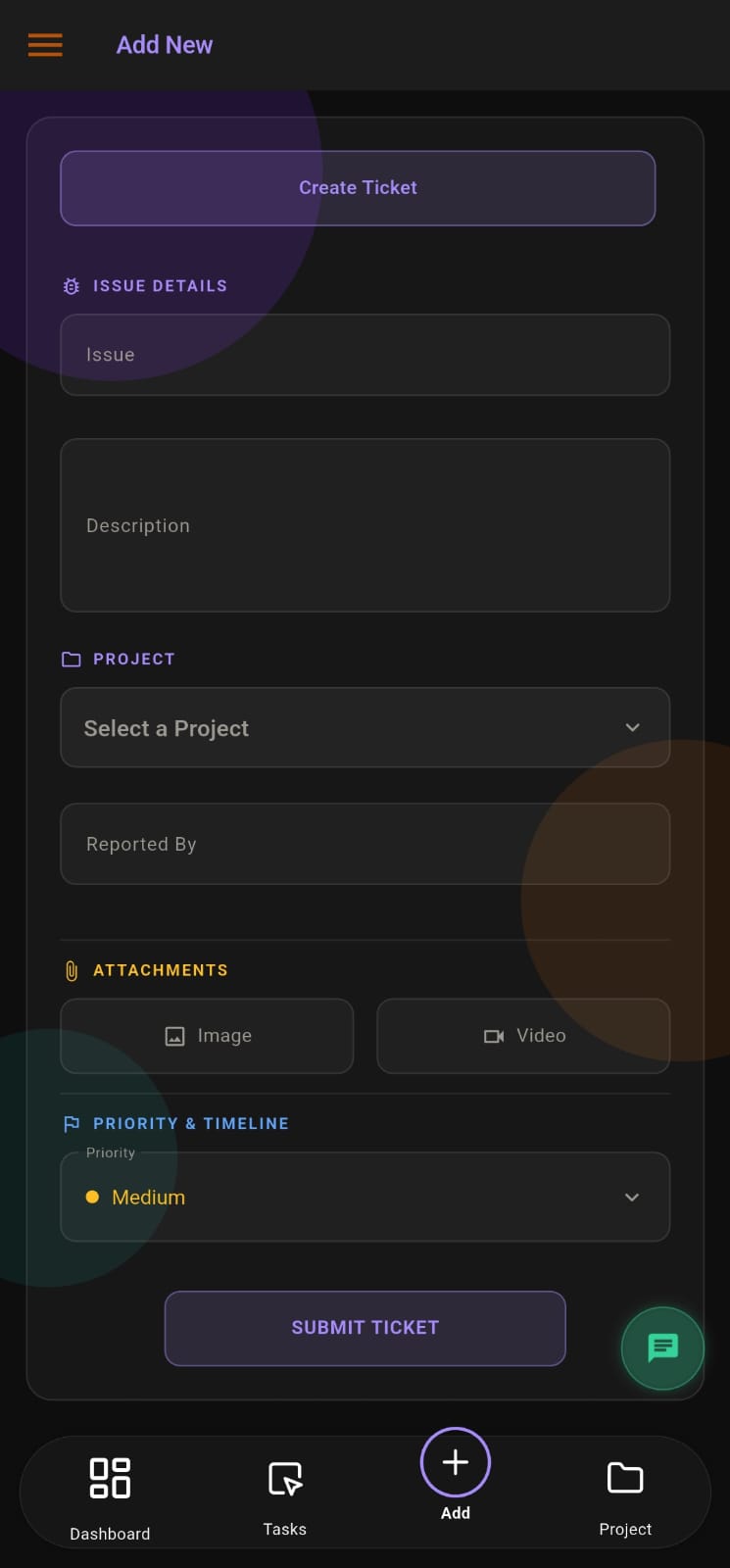
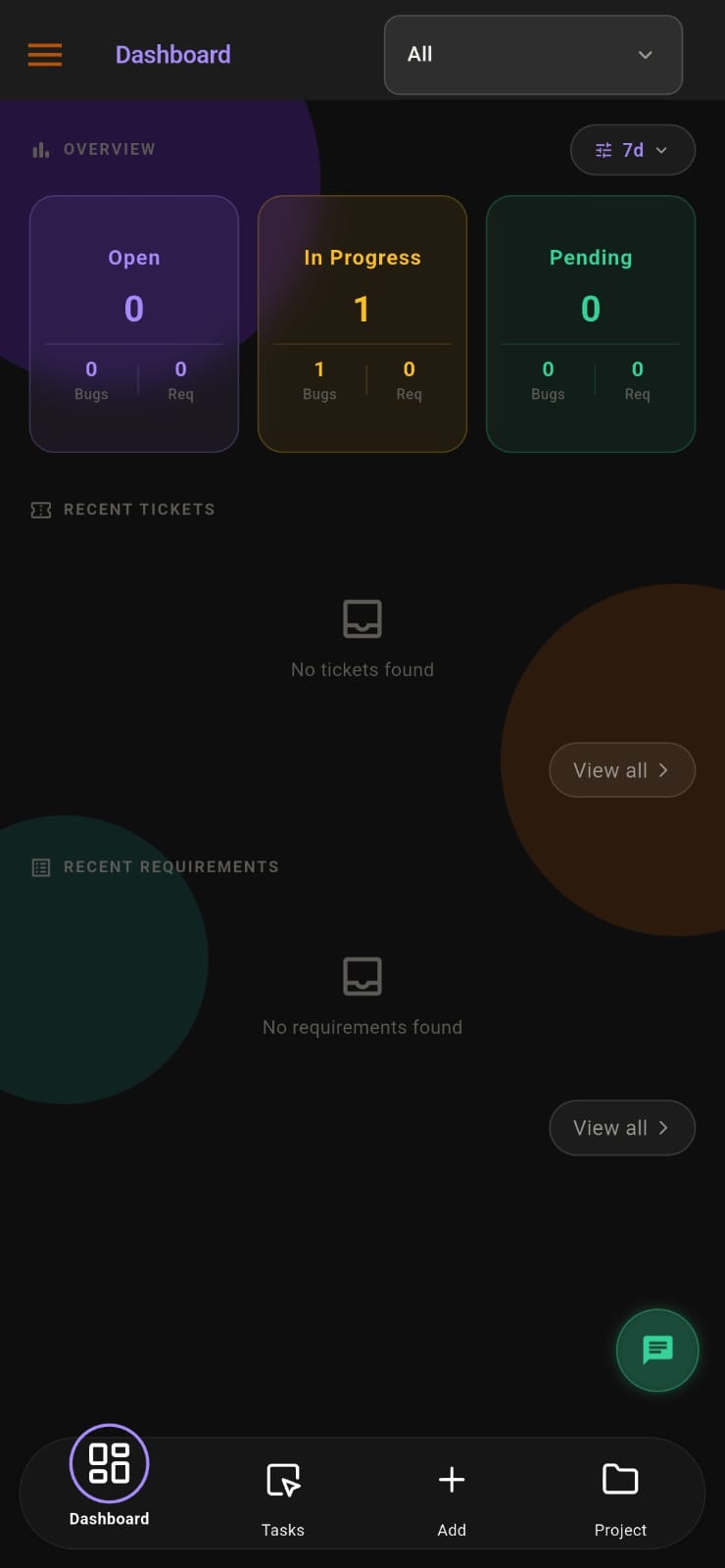
Screens from the APPEO NEXUS app.
ILLUSTRATIVE BUSINESS SCENARIO
Illustrative Business Scenario: An Interior Fit-Out Firm Plans Leave Around Site Deadlines
A fit-out firm of around twenty people, with a design office and two site crews, used to collect leave requests in the owner's personal WhatsApp. During the festival season three crew members asked for the same week, and the owner said yes to each of them separately without checking a handover date that week.
After moving to APPEO NEXUS, the office manager set up leave types and loaded the year's holidays. Crew members apply from their phones. Before approving, the office manager looks at each person's assigned tasks and their priorities. One request was rejected with a suggestion to move it a week, and another was approved after the task was reassigned. This is an illustrative example. It does not describe a real customer, person or result.
This is an illustrative example, not a customer story. No real company, person or result is described.
COMPARISON
APPEO NEXUS Leave Tracking Compared With Messages and a Spreadsheet
Messages and spreadsheets cost nothing to start with. What they lack is a record of the decision and a link to the work.
| With APPEO NEXUS | Chat messages and a spreadsheet |
|---|
| How leave is requested | Applied in the app with a leave type and dates | Any message, any format, any channel |
|---|
| Decision | Approved or rejected by an admin and recorded | A reply that may or may not be written down |
|---|
| Holidays | One holiday list visible to all staff | Announced again each year |
|---|
| Effect on work | Checked against the person's assigned tasks before deciding | Discovered when a deadline is missed |
|---|
| Attendance | Mobile punch-in with photo and location, in the same app | A separate register, if one exists |
|---|
| Cost | Per-user plan with licence minimums | Free |
|---|
WHAT APPEO NEXUS DOES NOT DO
Where APPEO NEXUS Leave Management Stops
- It is not a full HR system. It does not calculate leave accruals, carry-forward or encashment, and it does not run payroll
- Notifications are push notifications in the app. It does not send email notifications
- There is an Android app and a web app. There is no iOS app, so iPhone users apply through the browser
- There are no integrations with HR, payroll or calendar software
- Plans have licence minimums of 15 on Growth and 25 on Starter, so very small teams pay for unused seats. The approval workflow, team chat and meetings are listed under Growth and above
WHO BUILDS AND SUPPORTS IT
Support for Leave Setup From the APPEO NEXUS Team in India
- APPEO NEXUS is built by Appeonix Creative Lab, based in Thrissur, Kerala, with an office in Indiranagar, Bengaluru
- Help with setting up leave types, holidays and roles is given remotely by the team in India (IST, UTC+5:30)
- You can reach the team by email at support@appeonix.com or by phone on +91 95679 99007
PLANS
Pricing and Free Trial
Starter: ₹500 per user per month billed annually (₹550 billed monthly), minimum 25 licences, up to 3 projects. Growth: ₹900 billed annually (₹999 billed monthly), minimum 15 licences, up to 5 projects, and adds team chat, meetings, an approval workflow and advanced administrative controls. Enterprise: custom pricing. Every plan is available with a 15-day free trial, and no credit card is required to start. See full pricing.
FAQ
Leave Management App Questions for Small Businesses
Can we create our own leave categories, such as sick or casual leave?
Yes. Admins set up the leave types the business uses, and employees pick one of those types when they apply.
Does APPEO NEXUS track leave balances or carry unused days forward?
No. It records leave types, applications and approve or reject decisions, plus a holiday list. It does not calculate accruals, balances or carry-forward, so businesses that need those rules usually keep a dedicated HR tool for them.
Can staff without a laptop request time off?
Yes. Employees can apply from the APPEO NEXUS Android app. Staff with iPhones can use the web version in a browser, because there is no iOS app.
Who can approve or reject a leave request?
Admins approve or reject leave. Because admins also assign and reassign tasks, they can check what the employee is working on before they decide.
Is a team of eight people too small for APPEO NEXUS?
Probably, if leave is all you need. Growth needs at least 15 licences and Starter at least 25, so a team of eight would pay for unused seats. You can still test the leave flow during the 15-day trial, which needs no credit card.
REQUEST A DEMO
See It With Your Own Workflow
Tell us how your team asks for leave today, who approves it and how many people you have. We will show you how leave types, holidays and approvals fit next to your task assignment in APPEO NEXUS.
- A walkthrough based on how your team works today
- Plans, licence minimums and project limits explained
- Answers to setup and onboarding questions
Prefer to try it yourself? Start the 15-day free trial with your business email. No credit card required.
START WITH YOUR OWN TEAM
Put Leave Requests Where the Work Already Lives.
Set up your leave types and holidays, have your team apply from their phones, and approve or reject requests next to their tasks during a 15-day trial with no credit card.
What happens next: choose a plan and licences, enter your company details, verify your business email, then sign in and set up your first project. No credit card is required for the trial, and each business domain can be used for one trial.