DAILY LOGS · TASK REMARKS · ESTIMATED VS ACTUAL TIME
A Daily Work Log App That Ties Each Employee's Day to Their Assigned Tasks
Asking staff to send an end-of-day message tells you what they remember, not what happened. APPEO NEXUS lets employees write a daily log on the Android app or in the browser, in the same place where their tasks, remarks and recorded time already sit. Managers read the log with the assigned work right beside it, instead of piecing the day together from chats and spreadsheets.
15-day free trial for businesses. No credit card required. Register with a business email on your company's own domain; each domain can be used for one trial, and public addresses such as Gmail, Yahoo, Rediff, AOL, Outlook and Hotmail are not accepted. Trial details
THE PROBLEM
End-of-Day Reports Scattered Across WhatsApp, Email and Spreadsheets
Most small teams start daily reporting with whatever is already open: a WhatsApp group, an email thread or a shared spreadsheet with a tab for each person. It works for a few weeks. Then some people post a long list, others write "same as yesterday", and a few forget until someone reminds them the next morning.
The bigger problem is that these reports sit apart from the work itself. A message saying "worked on the client website" does not say which requirement, how long it took or whether it is finished. To check, a manager has to open a separate task list, scroll back through chats and ask the employee again. A daily report that has to be checked by hand ends up costing the manager time instead of saving it.
Generic form builders improve the format but keep the same gap. A tidy daily form is still a standalone record. It does not know which tasks the employee was assigned, which ones they started or paused, or which they escalated because something was blocking them.
WHY IT MATTERS
What Disconnected Daily Reports Cost a Manager
- Reports have to be matched to tasks by hand before they mean anything
- Vague entries such as "meetings and follow-ups" hide where the day actually went
- Updates get buried in group chats between unrelated messages
- Nobody notices a missing report until the information is needed
- Work that took far longer than planned goes unnoticed because time is not recorded
- Status calls get scheduled just to find out what people did yesterday
None of this means you need more reporting. It means the daily report has to live next to the tasks it describes.
HOW APPEO NEXUS HELPS
How a Working Day Is Recorded in APPEO NEXUS
The daily log is the last step of a day that has already left a trail in the app, so employees summarise their work rather than reconstructing it from memory.
- Work is assignedAn admin assigns bugs, tickets or requirements to an employee with a priority, and an estimated time or deadline where it applies.
- The employee works through the dayThey start, pause and resume tasks as they move between jobs, adding remarks with notes, images or videos where useful.
- Blockers are raised as they happenIf a task cannot continue, the employee escalates it with a reason and admins receive a push notification straight away.
- The daily log closes the dayThe employee writes a short daily log on Android or the web, and the admin reviews it alongside the tasks, remarks and recorded time.
FEATURE WALKTHROUGH
Daily Log Features Built Into the Task Workflow
Each of these is part of the APPEO NEXUS app today, available to employees on Android and the web and to admins reviewing their work.
Daily logs for each employee
- What it does
- Gives every employee a place to record what they did each day, which admins can review.
- Problem it addresses
- End-of-day updates spread across chats, emails and personal notes.
- How you use it
- At the end of the shift the employee opens the app, writes the day's summary and saves it.
- Why it matters
- Every report is in one place, written the same way, without anyone having to chase it.
Remarks on individual tasks
- What it does
- Lets employees add notes to a specific bug, ticket or requirement as they work on it.
- Problem it addresses
- Daily reports that name the work but not the detail.
- How you use it
- The employee adds a remark when something changes, such as waiting for content or a fix needing testing.
- Why it matters
- The detail stays with the task, so the daily log can stay short.
Estimated versus actual time
- What it does
- Records the time spent while a task is running and compares it with the estimate, flagging tasks that run over.
- Problem it addresses
- Reports that say what was done but not how long it took.
- How you use it
- Admins set an estimate; start, pause and resume are recorded as the employee works.
- Why it matters
- Managers can see which kinds of work regularly take longer than planned and adjust estimates.
Escalation with a reason
- What it does
- Lets an employee mark a task as blocked and explain what is stopping it.
- Problem it addresses
- Problems that only come up in the next day's report.
- How you use it
- The employee taps escalate and types the reason; admins get a push notification.
- Why it matters
- Blockers reach a manager during the day, not after it.
Task history
- What it does
- Keeps the sequence of assignments, status changes and remarks for each item.
- Problem it addresses
- Arguments about who did what and when.
- How you use it
- Anyone with access opens the task and reads its history in order.
- Why it matters
- A daily log can be checked against a clear record.
Android and web access
- What it does
- Employees use the APPEO NEXUS Android app from Google Play or the web app in a browser.
- Problem it addresses
- Field and office staff using different tools for the same report.
- How you use it
- Field staff log their day on their phone; desk staff use the browser.
- Why it matters
- One reporting habit for the whole team, wherever people work.
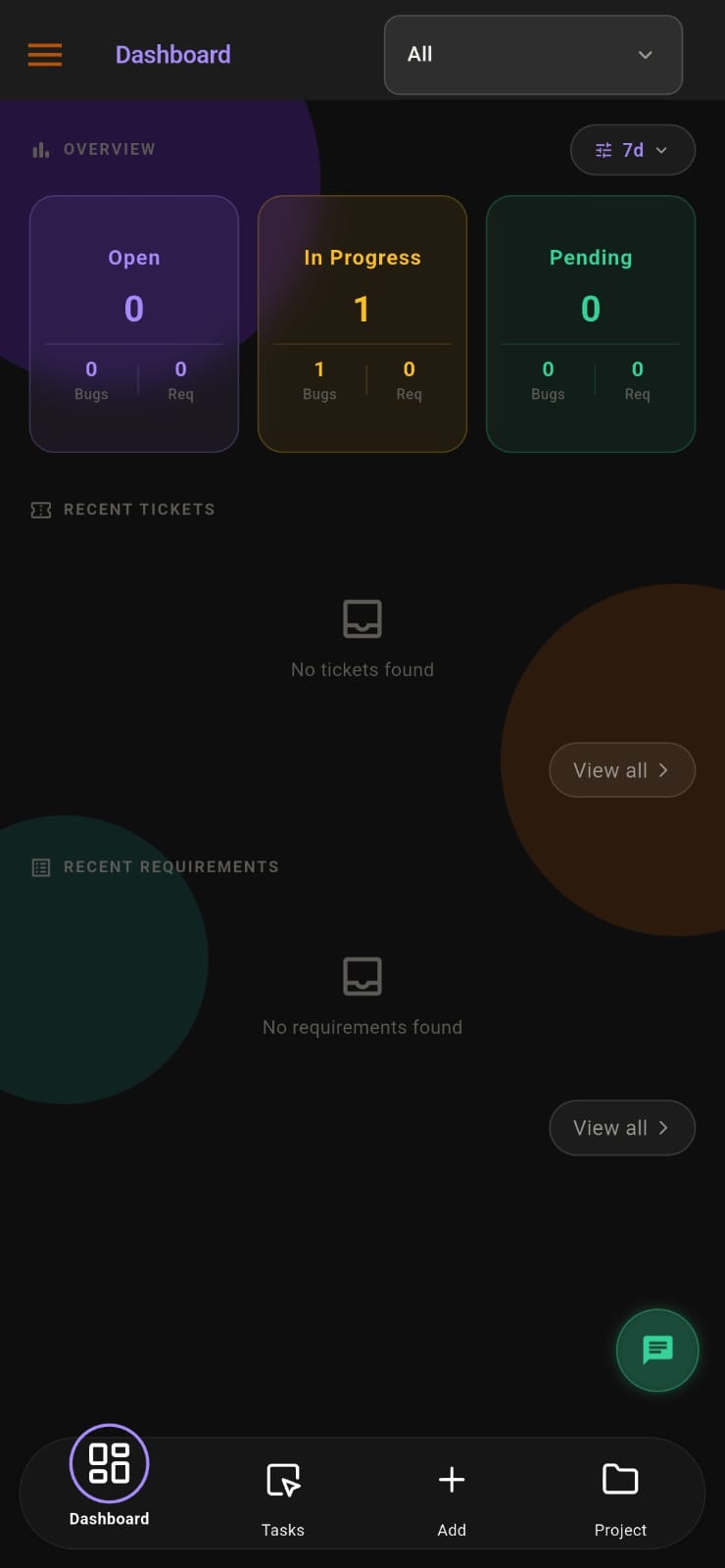
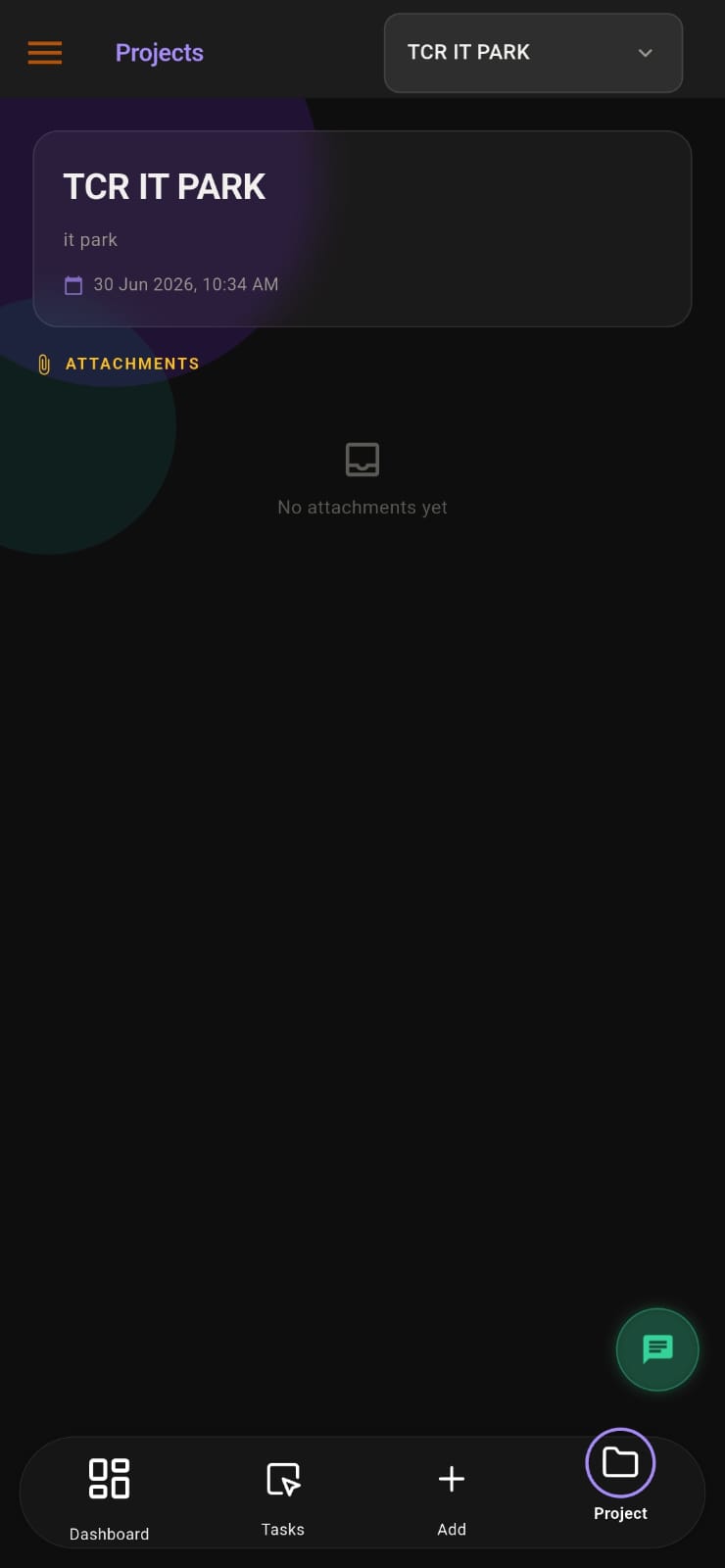
Screens from the APPEO NEXUS app.
ILLUSTRATIVE BUSINESS SCENARIO
Illustrative Business Scenario: A Web Agency Replaces Its Evening Update Group
Illustrative example only, not a real customer. A small web agency asks its designers and developers to post an update in a WhatsApp group every evening. The owner reads the messages late at night, tries to remember which client each one belongs to, and replies with questions the next morning. Updates from people working on site visits often arrive a day late.
With APPEO NEXUS, each client project holds its own requirements and bugs, assigned to named employees. During the day staff start and pause their tasks and add remarks, such as "homepage banner waiting for client photos", on the task itself. One developer escalates a hosting issue with a reason, and the owner is notified straight away rather than reading about it that evening.
At the end of the day each employee writes a short daily log. The next morning the owner reads the logs in one place, opens any task mentioned to see its remarks and recorded time, and notices that two requirements ran well past their estimates. The morning conversation is about those two tasks, not about getting everyone's updates again.
This is an illustrative example, not a customer story. No real company, person or result is described.
COMPARISON
Daily Logs in APPEO NEXUS Compared With Chat Updates and Report Forms
A standalone form or chat message records what someone says they did; a log inside the work tool can be read against what was assigned and recorded.
| APPEO NEXUS daily logs | Chat messages or standalone forms |
|---|
| Where the report lives | In the same app as the employee's tasks | In a chat thread, inbox or separate form tool |
|---|
| Link to assigned work | Tasks, remarks and history sit alongside the log | Manager matches entries to tasks by hand |
|---|
| Time spent | Actual time recorded against each task's estimate | Self-reported, if mentioned at all |
|---|
| Blocked work | Escalated during the day with a push notification | Mentioned in the evening, if remembered |
|---|
| Finding an old report | Kept in the app with the project and task context | Scroll back through the conversation |
|---|
| Device | Android app or web browser | Depends on whichever channel the team uses |
|---|
WHAT APPEO NEXUS DOES NOT DO
Limits of APPEO NEXUS Daily Logs Worth Knowing Before a Trial
- There is no iOS app; iPhone users use the web app in a browser
- It is not a timesheet or invoicing system and does not produce billable-hours invoices
- It does not send email notifications; alerts such as escalations are push notifications
- It does not use AI to write or summarise logs, and it has no integrations with other apps
- Team chat and meetings are on the Growth plan or above; see the pricing page for plan details
GETTING STARTED
Setting Up Daily Work Logs for Your Team
- Start a 15-day trial with a business email on your company's own domain; no credit card is needed
- Add your employees and clients, then create projects with their departments
- Assign current work as bugs, tickets or requirements with priorities and estimates
- Ask staff to install the Android app or bookmark the web app, and agree a time each day for the log
- Starter is ₹500 per user per month billed annually (₹550 monthly) with a minimum of 25 licences
PLANS
Pricing and Free Trial
Starter: ₹500 per user per month billed annually (₹550 billed monthly), minimum 25 licences, up to 3 projects. Growth: ₹900 billed annually (₹999 billed monthly), minimum 15 licences, up to 5 projects, and adds team chat, meetings, an approval workflow and advanced administrative controls. Enterprise: custom pricing. Every plan is available with a 15-day free trial, and no credit card is required to start. See full pricing.
FAQ
Questions About Recording Daily Work in APPEO NEXUS
Can employees write their daily log from a phone?
Yes, on Android. Employees can use the APPEO NEXUS Android app from Google Play or the web app in any browser. There is no iOS app, so iPhone users use the web version.
How is a daily log different from the remarks on a task?
A remark is a note on one specific bug, ticket or requirement, written while the work happens. The daily log is the employee's summary of the whole day. Admins can read both, so the log can stay brief and the detail stays on each task.
Can managers check a daily log against the time actually spent?
Yes. Tasks record start, pause and resume, so the actual time on each task is compared with its estimate, and tasks that run over appear in an overtime list. A manager can open any task mentioned in a log to see this.
Will APPEO NEXUS email me when an employee submits their log?
No. APPEO NEXUS does not send email notifications. Its alerts are push notifications, for example when an employee escalates a blocked task. Admins review daily logs inside the app.
Can daily logs replace timesheets for client billing?
No. APPEO NEXUS records estimated and actual time per task, but it is not a timesheet or invoicing tool and does not produce invoices. Teams that bill by the hour usually keep a separate billing system.
REQUEST A DEMO
See It With Your Own Workflow
Tell us how your staff report their day today and what you find hard to check, and we will show you how daily logs, remarks and recorded time look in APPEO NEXUS. Demos are run online by our team in India.
- A walkthrough based on how your team works today
- Plans, licence minimums and project limits explained
- Answers to setup and onboarding questions
Prefer to try it yourself? Start the 15-day free trial with your business email. No credit card required.
START WITH YOUR OWN TEAM
Read Your Team's Day Next to the Work It Describes.
Move one team's end-of-day updates into APPEO NEXUS for 15 days and see whether you still need the evening chat group.
What happens next: choose a plan and licences, enter your company details, verify your business email, then sign in and set up your first project. No credit card is required for the trial, and each business domain can be used for one trial.